



Services
At the Enoch Pratt Free Library you can go beyond books with computer access, mobile library services, meeting room reservations, and more.
Visiting & Using the Library

Book a Librarian
Book a free 60 minute appointment, in-person, by phone, or on video chat to learn from a subject specialist librarian.

Live Chat with a Librarian
Have a question? Live chat with a Pratt librarian for help finding books and materials, research guidance, and more!

Marina Interlibrary Loan
Search public libraries across Maryland for books, articles, and other materials.

Community & Meeting Rooms
Reserve a Pratt Library room for your meeting, book club, or other community event.
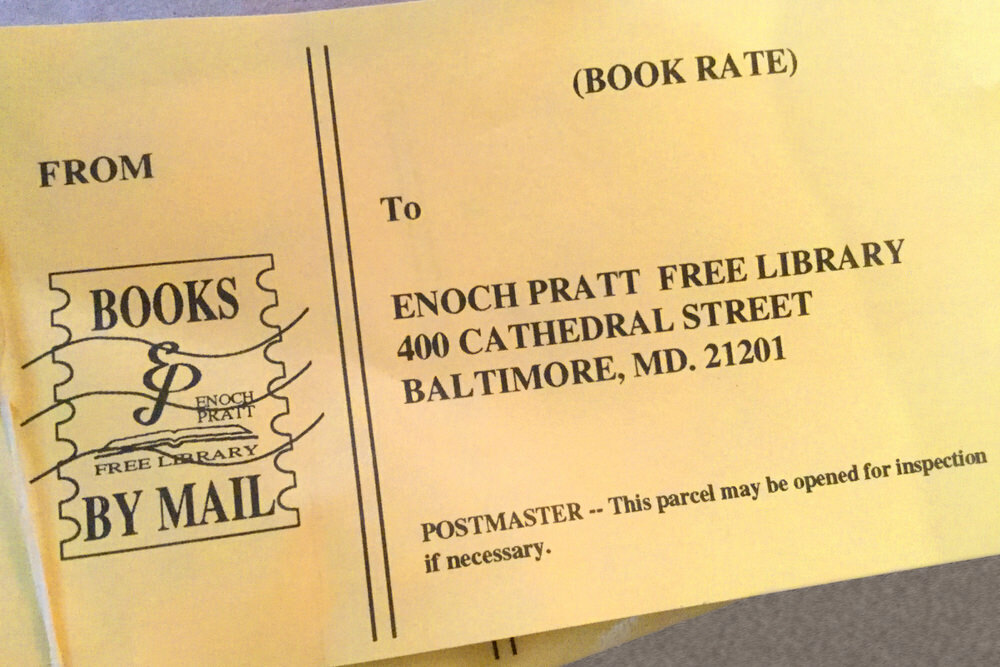
Books by Mail
Baltimore City residents of all ages who are unable to visit the library due to a permanent or temporary disability can request books and other library materials to be sent via mail.

Assistive Technology & Accessibility
Learn more about accessibility services online and at Pratt Library locations.
Community Assistance at the Pratt

Social Impact Programs
Community members can get free assistance from lawyers, social workers, nurses, recovery specialists, and more in Pratt locations.
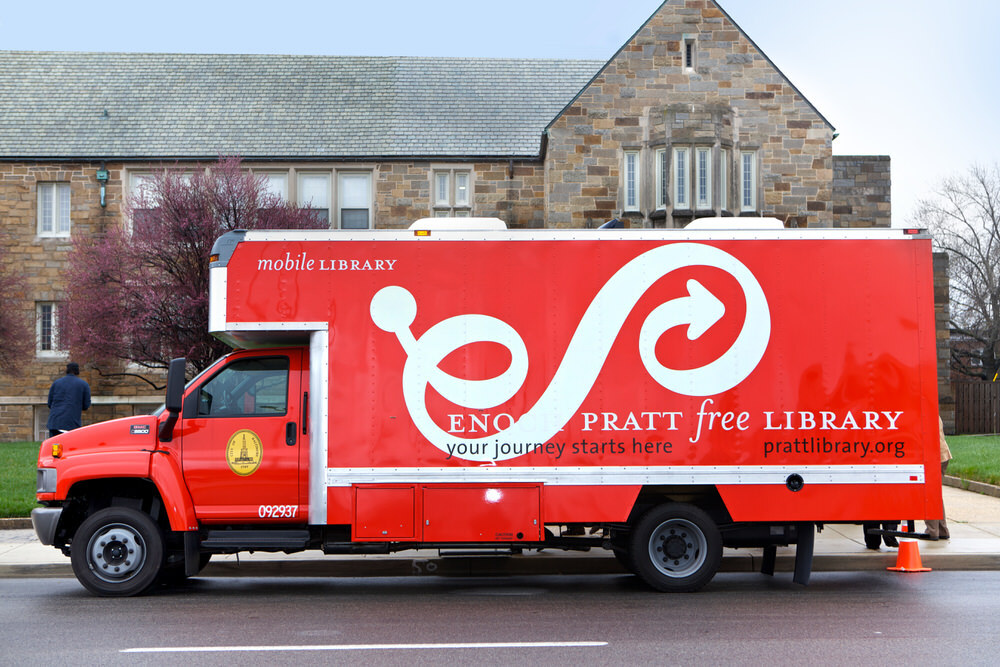
Mobile Outreach Services
Pratt Library vehicles bring the Bookmobile, Mobile Job Center, and Community Wi-Fi to the Baltimore community.

Job & Career Information Center
Take advantage of free job and career services including workshops, training, events, and one-on-one coaching.
Computers & Internet Access

On-Site Computer & Internet Access
Enjoy free access to computers and the internet at all Pratt Library locations.

Computer & Internet Devices
With a Pratt Library card, you can borrow devices like Chromebooks and mobile hotspots to get online from the comfort of your home.

Computer Training
Learn computer basics, job and career computer skills, and more.

Copies, Printing, Scanning & Fax
Pratt Library locations are equipped with black and white and colors printers, copiers, and fax services.
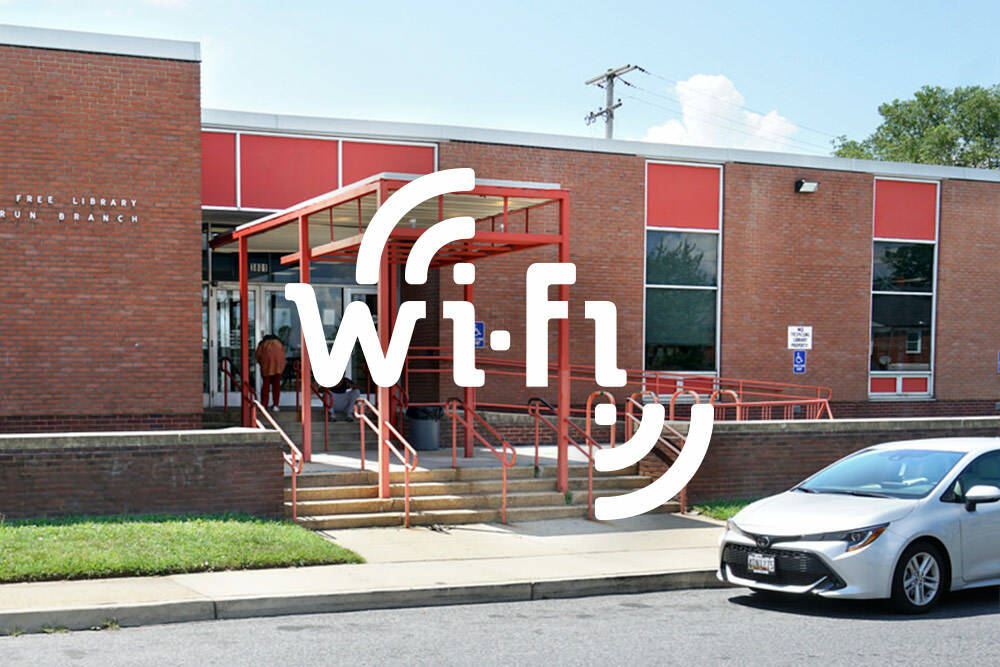
Outdoor Wi-Fi
Free Wi-Fi is available outside of select Pratt Library branch buildings.