


Print this page — Done printing
OR search: Catalog | Databases | Internet

Public Computer Center

ccbanner1.jpg

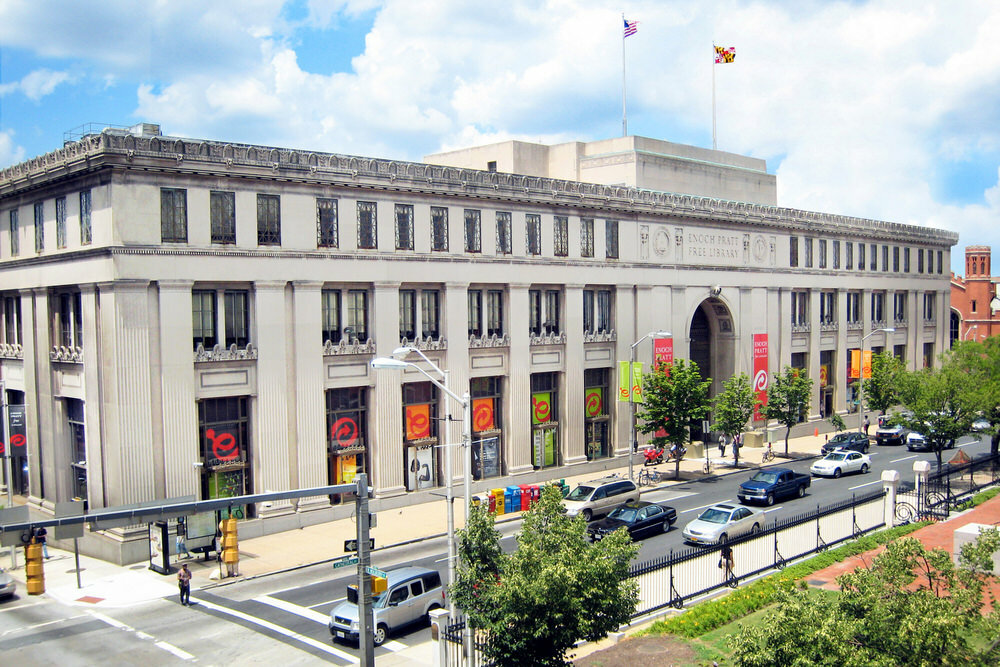
The Public Computer Center is located in the Annex of the Central Library.  Walk through Central Hall and Sights and Sounds.  Turn right at the first door.

  Computer Classes are here!!

Introduction

The Public Computer Center at the Central Library has 30 computers for 2 and 4-hour timeslots. One of the computers is wheelchair accessible. 

The wheelchair accessible workstation also has ZoomText software which magnifies the screen image for people with visual disabilities and a voice component so that the page can be read to them.

All computers run on the Windows XP operating system. Microsoft Office is available on every computer.

A small reference collection is maintained including dictionaries, resume books, and computer books for customer use.

Reservation Information 

Did you know that you can reserve a 2 or 4-hour computer up to 1 week in advance? And, it is a good idea because the Center is always busy. 

Reservations can be made by phone at 410-545-6319 or in person at the Public Computer Center. 

Customer Guidelines

People of all ages use the Public Computer Center for education and entertainment; for job searching and apartment hunting. Guidelines have been established to insure that those coming into the Center are able to take advantage of the opportunities provided.

Internet Use

Internet use in the Public Computer Center is guided by the Library's Internet policy. An Internet FAQ has been provided to answer common questions.

Additionally, you may be interested in learning about Internet safety tips. These are particularly good for parents to discuss with their children.

Computer Classes

Computer classes have come to the Public Computer Center! Our free classes range from the very basic to the specialized.  Check this space for updates. 

In addition to beginning computer courses, March and April will offer an introduction to Powerpoint and an introduction to Excel.

Twitter and Facebook are all the rage. You can come find your way around Facebook, and find out how your organization can use Twitter.  Plus, a guest instructor will show you how to write a Federal Resume.

So, how do you register for classes? To register for the February classes, you can stop in or call the Public Computer Center (410)545-6319, or call (410)396-5430.

Beginning with the classes in March, instead of calling the PCC, you can register by calling (410)396-4636.


Tutorials

Do you need help using the computer? Are you afraid of mice? Is there something in particular that you are having trouble in Word? Try these tutorials.

Government Websites

We can help you at those times when you just need to connect with someone in the government.

Hours

Mon:10:00 a.m. - 7:00 p.m.
Tue:10:00 a.m. - 7:00 p.m.
Wed:10:00 a.m. - 7:00 p.m.
Thu:10:00 a.m. - 5:00 p.m.
Fri:10:00 a.m. - 5:00 p.m.
Sat:10:00 a.m. - 5:00 p.m.
Sun:1:00 p.m. - 5:00 p.m.
Sunday hours apply October - May
Computers shut down 10 minutes before the library closes.
Holiday closings schedule

Visit Us

Public Computer Center
Central Library
400 Cathedral Street
Baltimore, MD 21201

Contact Us

Print this page — Done printing