



About Us
Our mission is to empower, enrich, and enhance the quality of life for all through equitable access to information, services, and opportunity.

Our Leadership
Learn more about the Pratt Library leadership team and Boards of Trustees and Directors.

Annual Report
See how the Pratt has centered work around our strategic plan in our FY25 annual report.
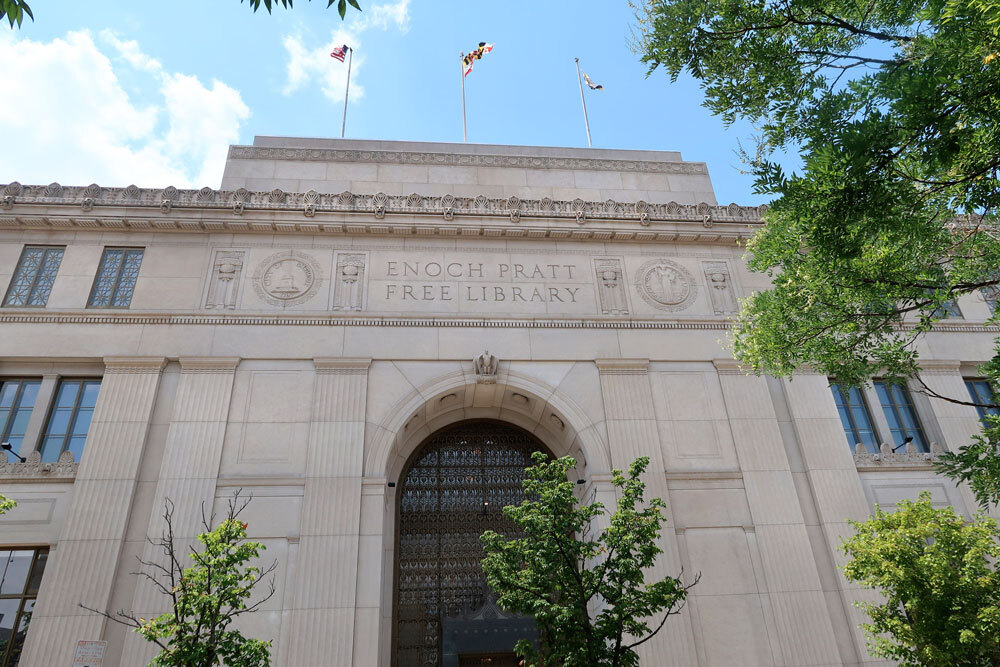
Strategic Plan
Browse our strategic plan to learn more about the Library's priorities and progress towards our goals.

Closures & Renovations
Stay up-to-date on the Pratt's scheduled closures and ongoing facility improvements.

Our History
The Enoch Pratt Free Library is one of the oldest free public library systems in the United States.

Diversity, Equity & Inclusion
The Enoch Pratt Free Library stands with our city and our community in the fight against systemic racism.

Digital Access
From computers and tablets to online school resources and internet access, we have free tools and knowledge to help you reach your goals.
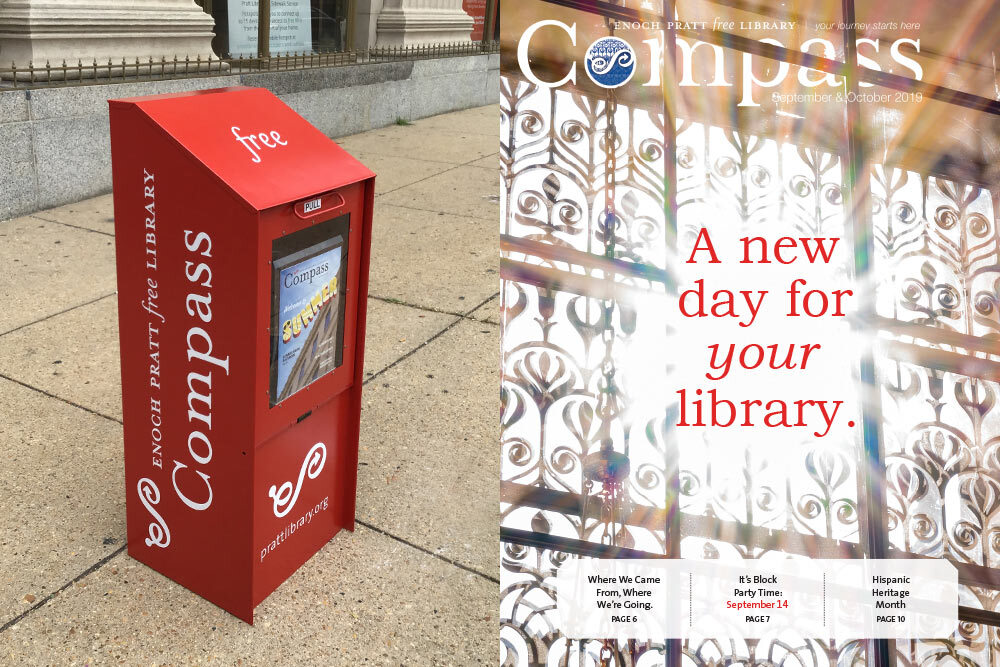
Pratt Publications
Stay up to date with the Pratt! Find PDF versions of the Compass and other publications online.


Requests for Proposals
Learn more about Requests for Proposals (RFP) issued by the Enoch Pratt Free Library.

Policies
In an effort to keep our libraries safe and enjoyable for all, we ask library customers to read and follow these policies.

Assistive Technology & Accessibility
Learn more about accessibility services online and at Pratt Library locations.